
Cutrix
AI Video Translation and Dubbing Tool
Introduction
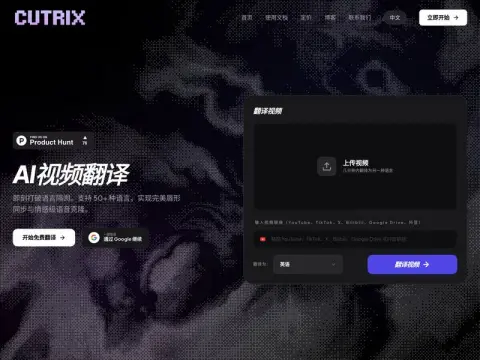
Cutrix specializes in video translation. When you submit a video, what you get in return is a finished product that has been translated into another language, accompanied by synchronized audio and subtitles – not just a plain text translation version.
It supports over 50 languages, including commonly used ones such as Chinese, English, Japanese, Korean, Vietnamese, Thai, Indonesian, Russian, German, and French. The source of materials is quite flexible: you can upload local files, or simply provide links to videos on YouTube, TikTok, X, Bilibili, Douyin, or Google Drive, and the system will automatically download those materials for use.
The product focuses on two key aspects. The first is timbre cloning – the dubbed version aims to closely mimic the voice tone and emotional expression of the original speaker, rather than adopting a standard broadcasting accent. The second aspect is lip-syncing, ensuring that the movements of the lips in the video correspond accurately with the new language being spoken. Only when these two elements are implemented effectively can short dramas, advertisements, animations, and games be truly utilized for international distribution. In fact, the examples presented on the official website are specifically designed to illustrate these four application scenarios.
The process consists of just three steps: uploading, translating, and exporting. No software is required for web-based operations. The official also provides a skill package that can be integrated into OpenClaw, making it convenient to incorporate translation and dubbing tasks into one’s own workflow for batch processing. A free quota is available for trial use, while long-term usage requires payment based on selected packages. For teams engaged in multilingual content distribution, this tool eliminates the most time-consuming step in the “translation-dubbing-alignment” process.
Before using it to shoot vertical-format short videos, you can…TVLabWatch how popular dramas with the same theme begin, and which episode sees the plot take a turn. Then pick an inspiration card that contains a detailed breakdown of the scenes, and use it to create each sequence one by one, based on the camera angles specified in the card.
Related




