newtabsh
Manage terminals and agents in browser tabs
Introduction
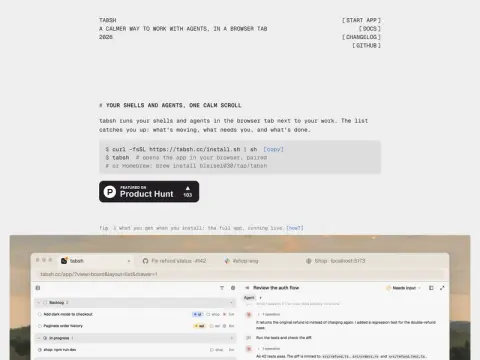
tabsh brings your terminal and programming agents into a browser tab. It runs a small daemon process on the local machine, which is responsible for running the shell and the agent. The browser page communicates with it through HTTP and WebSocket.
All terminals and agents will be arranged in a list in the form of cards, telling you which ones are running, which ones are waiting for you to process, and which ones have been completed. The author's reason is: your work is already in the browser, PR, documents, and preview pages are all there. Putting the agent in a tab next to it is more worry-free than switching back and forth between a bunch of terminal windows.
Installation is a curl command or Homebrew. After installation, run tabsh and it will open in the browser and pair automatically. The official website also has a complete online demonstration, which uses a daemon simulated on the page and will not touch your computer. It is suitable for developers who are accustomed to the command line and have several agent sessions open at the same time.
Related