
Image Blurring and Mosaic Effects (PixPix)
Local Blurring of Faces and License Plates
Introduction
Let's talk about the risks first, then the features.
Mild blurring and low-intensity pixelation merely make the image difficult to see; the original information remains within the pixels and can potentially be restored using image processing techniques. For content such as ID numbers, bank card numbers, license plates, and account credentials and passwords, do not simply blur them—instead, cover them with completely opaque black bars, or increase the mosaic intensity until the original shapes are completely unrecognizable. The recurring reports of “someone’s screenshot with redacted information being restored” all stem from insufficient masking intensity.
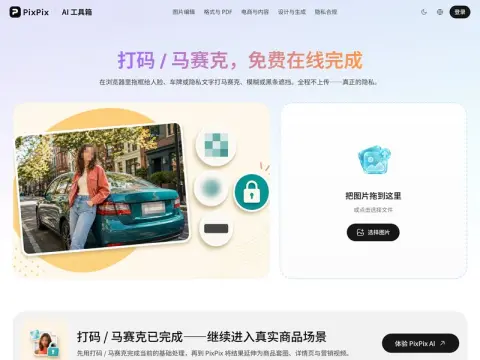
Three Types of Occlusion
Mosaic, Gaussian blur, solid black bars—all with adjustable intensity. Drag as many boxes as you need to cover specific areas; if you make a mistake, simply undo one box—no need to redo the entire image. Once you’re done, export at the original resolution without a watermark.
There’s another consideration: by definition, images that require blurring contain sensitive information, so it doesn’t make sense to upload them to a server—where they might be stored or for how long is unknown—and then download them back. This tool processes everything entirely within the browser, so the original image never leaves your device. Typical use cases include screenshots for support tickets, fault reports, blurring information in product reviews, and redacting sensitive data in internal documents.
Related




